WebsiteCrawler is a multipurpose platform which lets you monitor, audit, crawl a site and extract data for LLM training. It doesn’t require installation or special setup unless you want to do something extraordinary such as extracting custom data.
How to run a crawl?
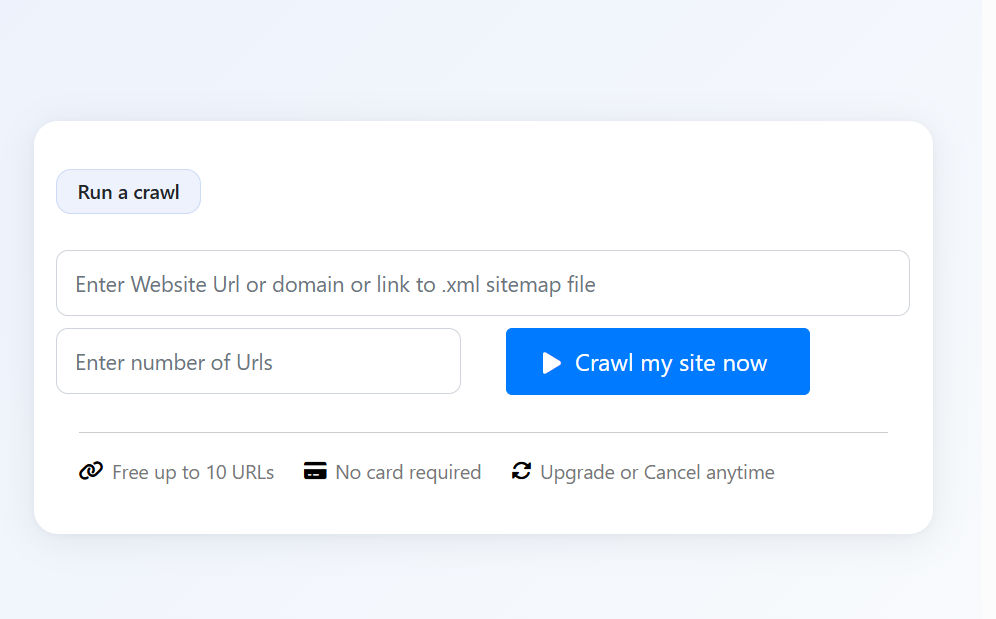
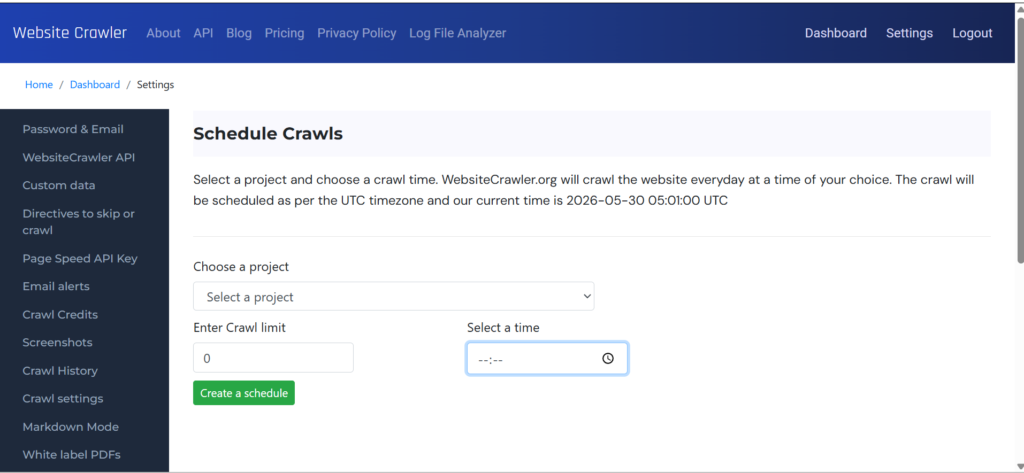
Our crawler can be invoked from the homepage (visit websitecrawler.org) or via schedule feature. If you schedule a crawl, crawling will start at the time you specify. Homepage-based crawls can be started anytime not at a specific time. You have to submit a URL and limit to initiate it. Limit is the number of links you want WebsiteCrawler to process.
The URL can be a simple link to your site’s homepage or to the sitemap file. Once WebsiteCrawler starts spidering a site, you’ll see a list of urls that have been processed on the homepage if the crawler was invoked from the homepage. In case of scheduled task, you can see the status in dashboard by clicking the “status” button.
Types of URLs you can submit to WebsiteCrawler
From the homepage, you can submit the link to the target website or its sitemap.xml file. In the 2nd case, each URL in the sitemap will be extracted and will be added to list of urls to be processed.
What is crawling activity?
When you submit a URL, WebsiteCrawler will extract the links on the page and its content. It will then process these URLs and their content. This process continues for each page until no link is found.
What are projects?
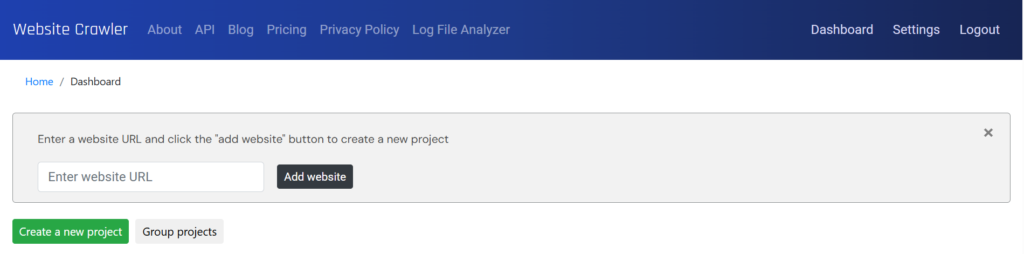
Projects separate data of websites. For example, if you’ve created 3 projects, each site in the project will have their own audit, extracted, or monitoring data. You can create a new project by clicking the green colored “create a project” button.
What are reports?
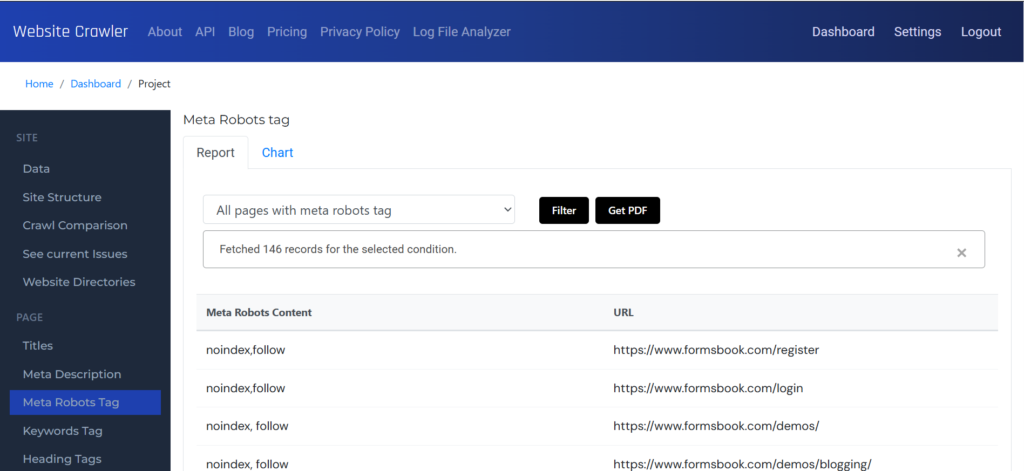
The reports section gives you access to the extracted data, and audit reports which comprises of plain data and charts. Reports can be downloaded as PDF files with WebsiteCrawler’s branding or custom branding. Our platform gives you access to 35+ audit reports. Each report is accompanied by filters.
What is the settings page?
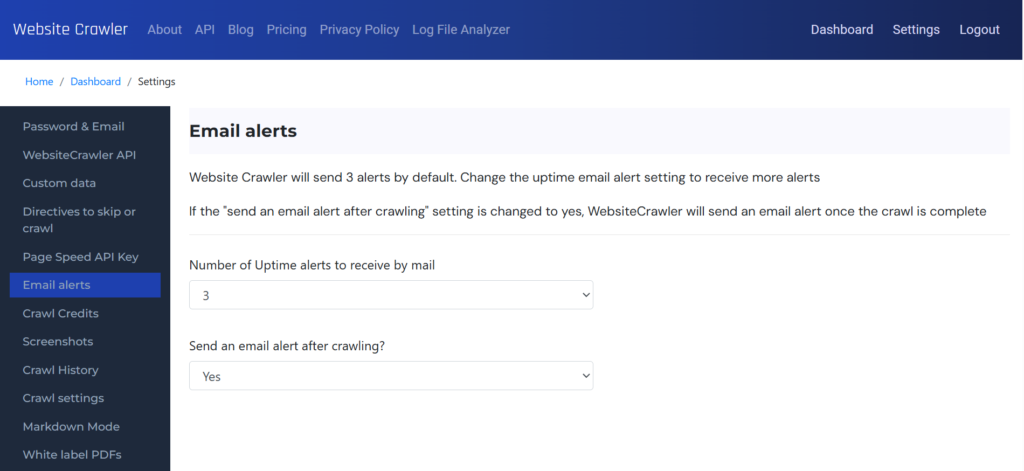
This page allows users to see the past crawl history, schedule crawls, manage users, manage PDF report branding, select crawler type (HTML or Chrome), configure email alerts, set crawl delays, manage Google Search console integration, etc. It enables you to change password and email address as well. It has custom data section that lets you configure the CSS/XPath rules for a site.
Leave a Reply